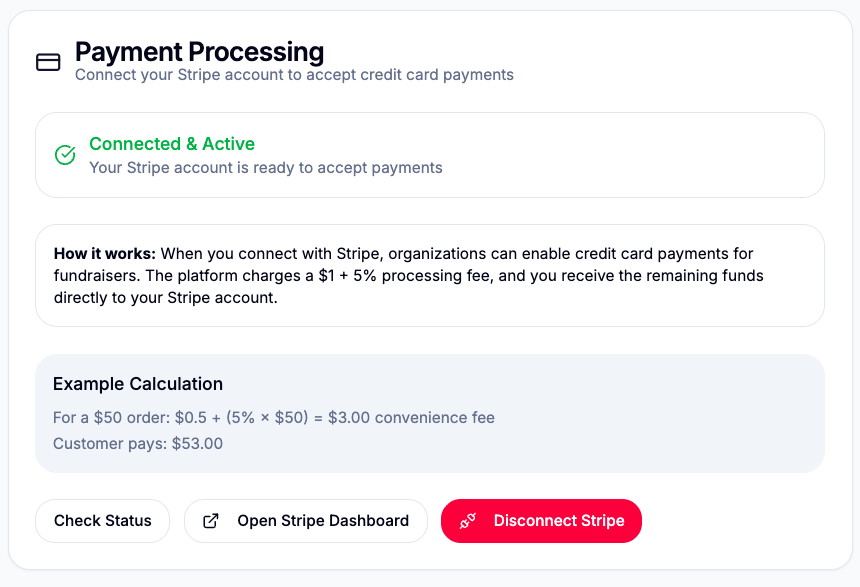
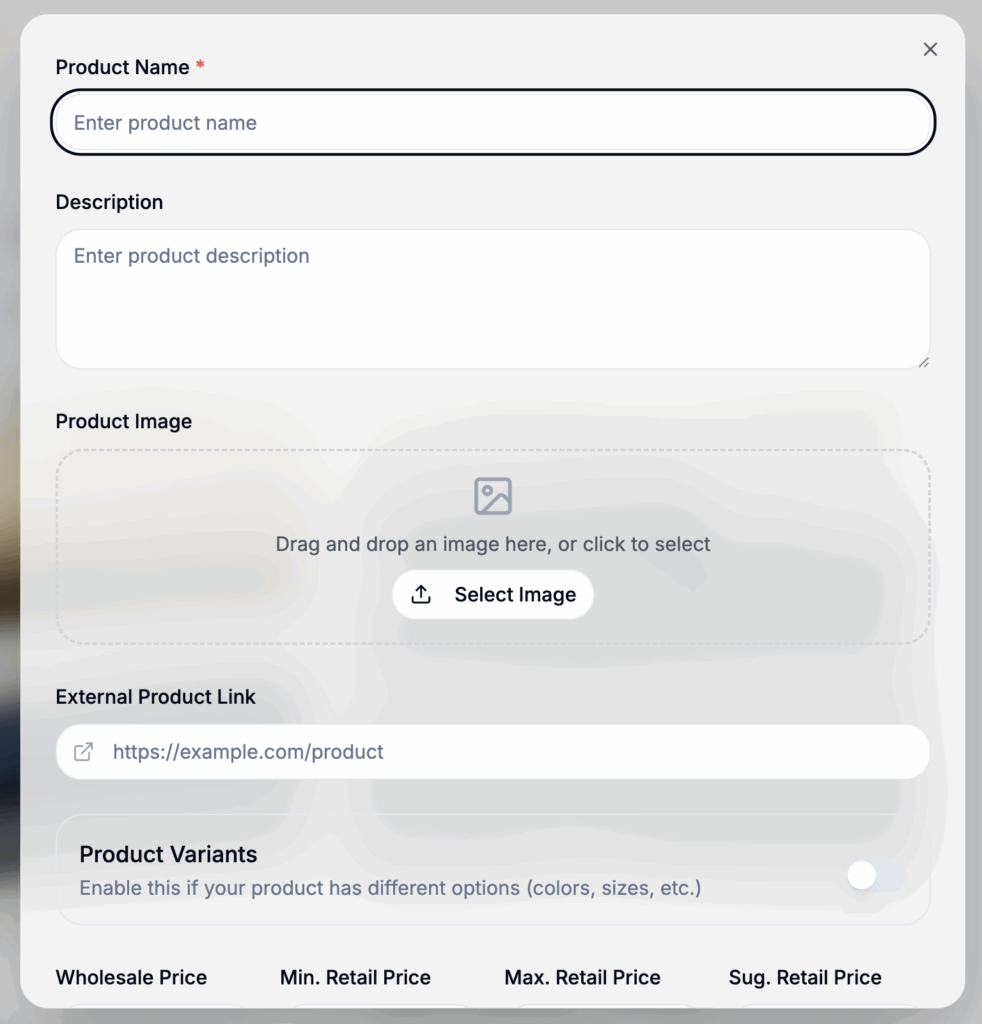
As a fundraising company, will need to add your products available. Go to https://app.fundraisingsalestracker.com/products and click “Add Product”
Add product name, brief description, product image.
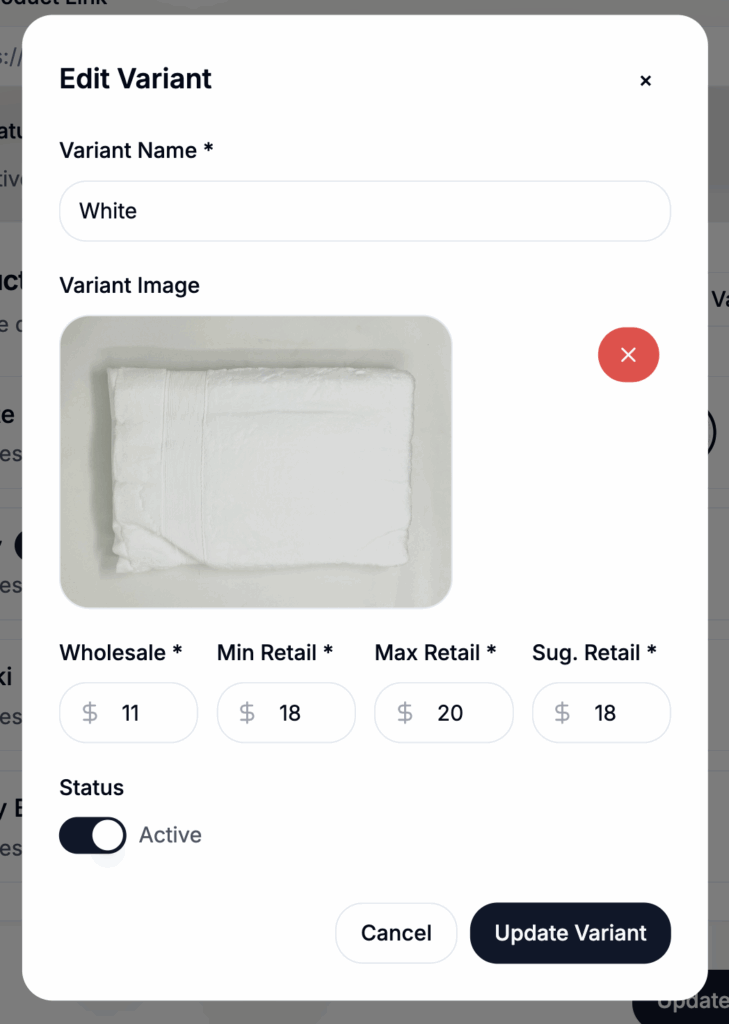
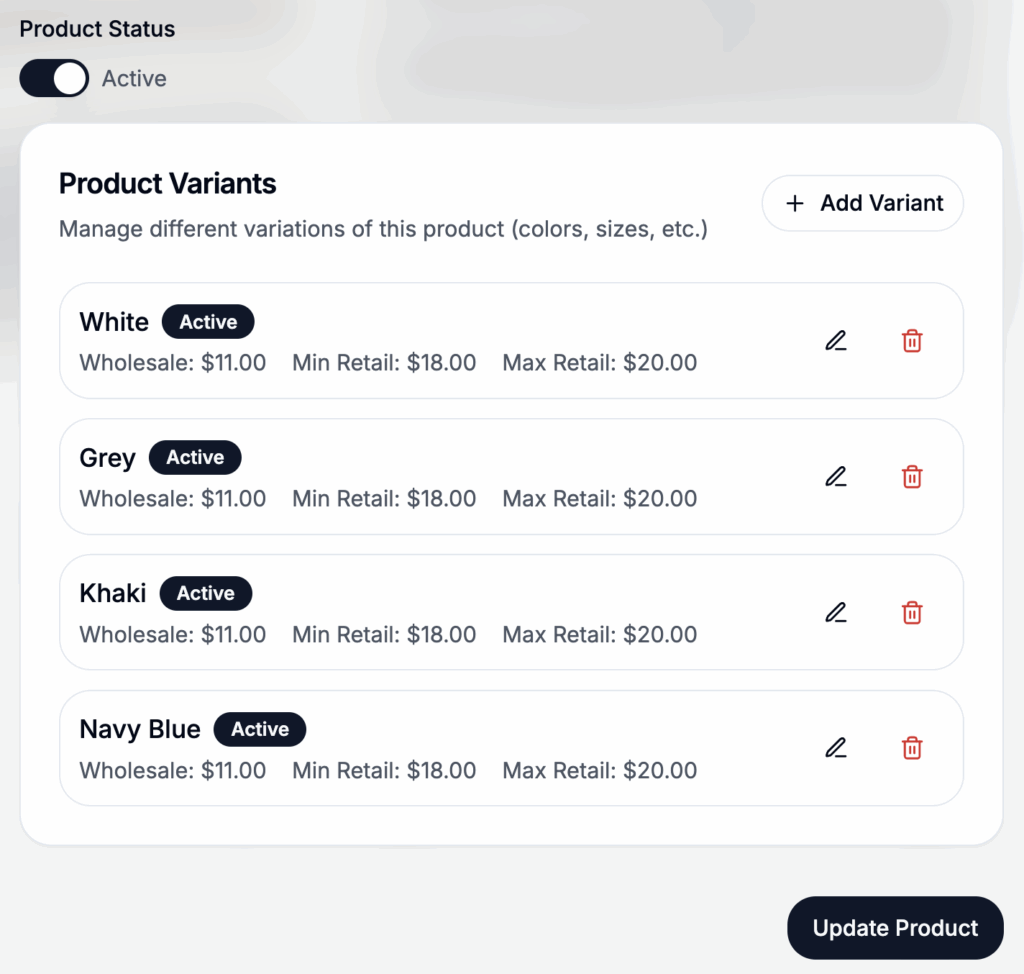
Products also support one variant such as color or size.
Pricing Fields
- Wholesale
- Minimum Retail
- Maximum Retail
- Suggested Retail
Pricing is very important. You must add your wholesale cost. It is best to that this price reflects shipping. Our platform allow for organizations to adjust the retail price of your products as long as you set a range. If you range doesn’t make sense, add the same retail price in all the fields. By default, all pricing for an organization will be set to the suggested retail price.
This pricing adjustment feature is design so that group or organization have retail pricing flexibility. Depending on the geographical area, groups may raise more with a lower or higher price.