Invite Participants

Invite Participants

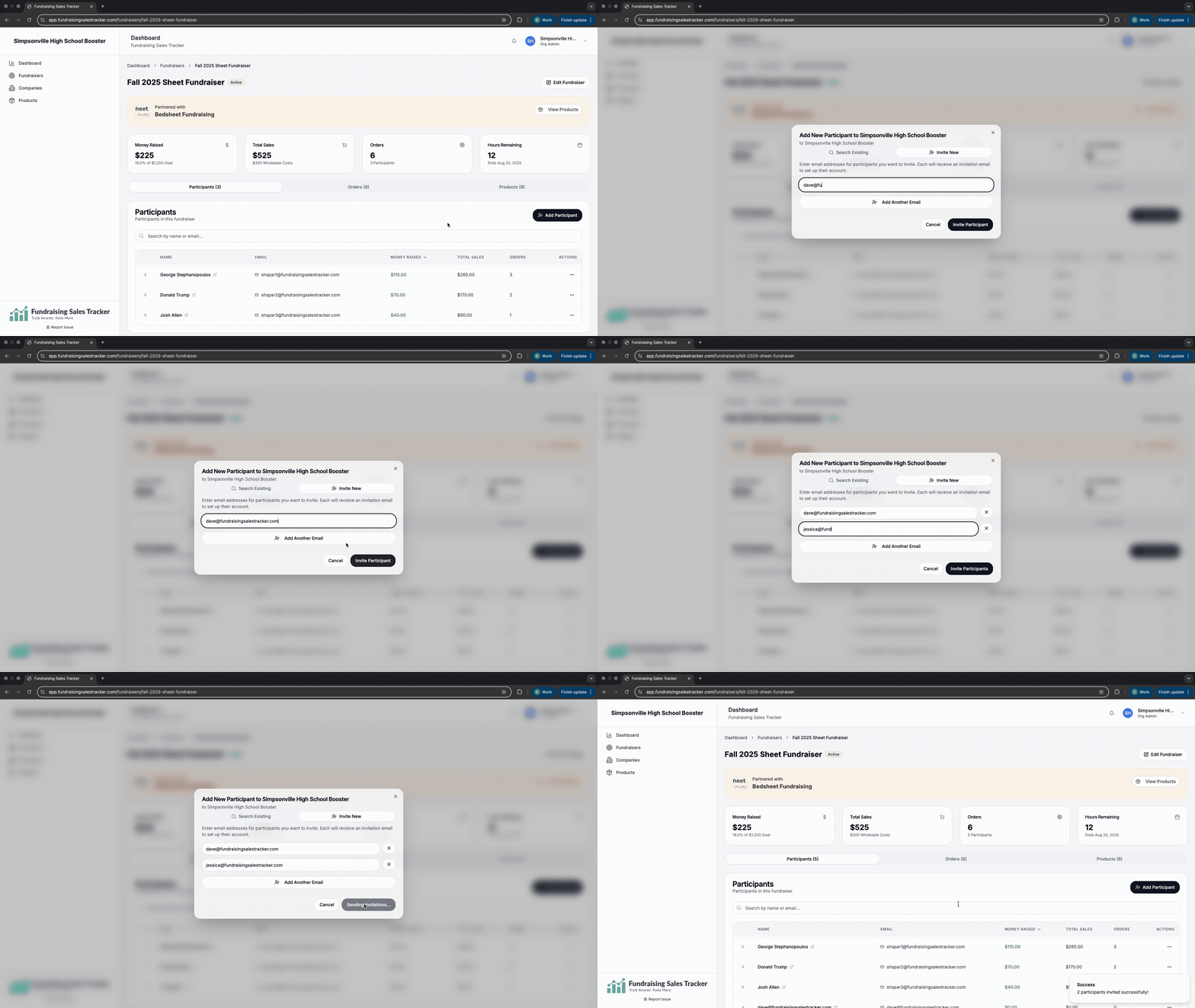
After you have created a fundraising campaign and set your parameters, you need to invite everyone who will be participating in selling. Only participants can record or create orders. Look for “Add Participant” button located under the main dashboard or a specific fundraiser under the participants tab.
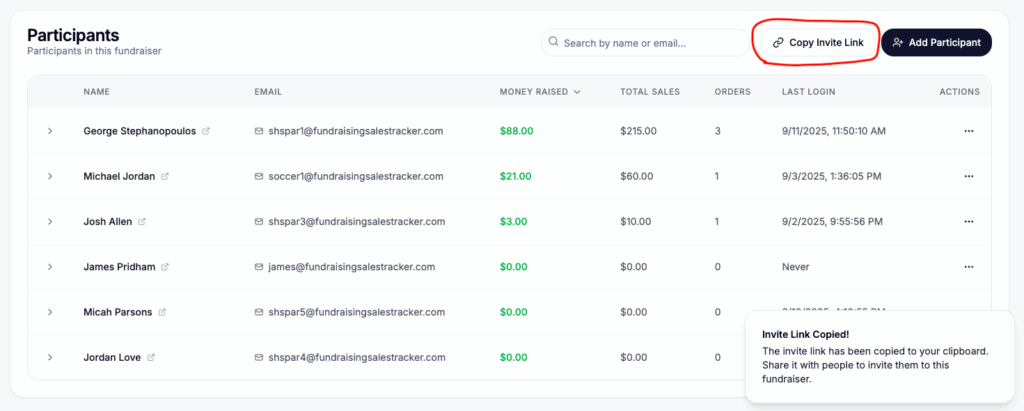
Alternatively, you can click the “Copy Invite Link” which is a custom link for your specific fundraiser. You can send this link to anyone who is participating via a group text, email by pasting the copy link into a message. When they click the link, it will add them as participant to your fundraiser and they can begin recording orders.
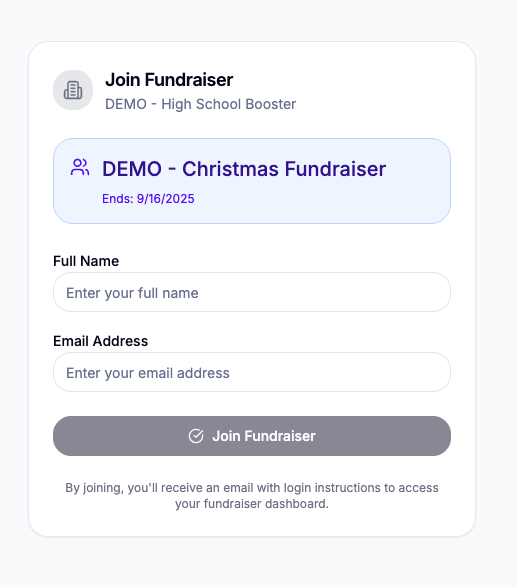
Sample of the invitation link.
Was this helpful?

Thank you for your feedback
Exporting Fundraising Data
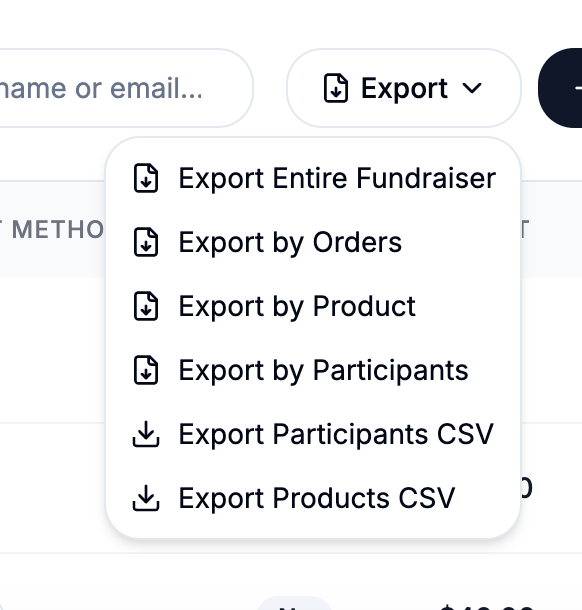
For exporting fundraising reports and individual participant records to go your fundraiser and click on the Order tab and then export There are 6 export options. The most common option...
Fundraiser Payment Mode
When creating a fundraiser, you can choose how payments can be made and collected.Go to https://app.fundraisingsalestracker.com/fundraisers and create or edit your fundraiser for this setting Hybrid: Allow customers to checkout and...
Set or update retail price of products
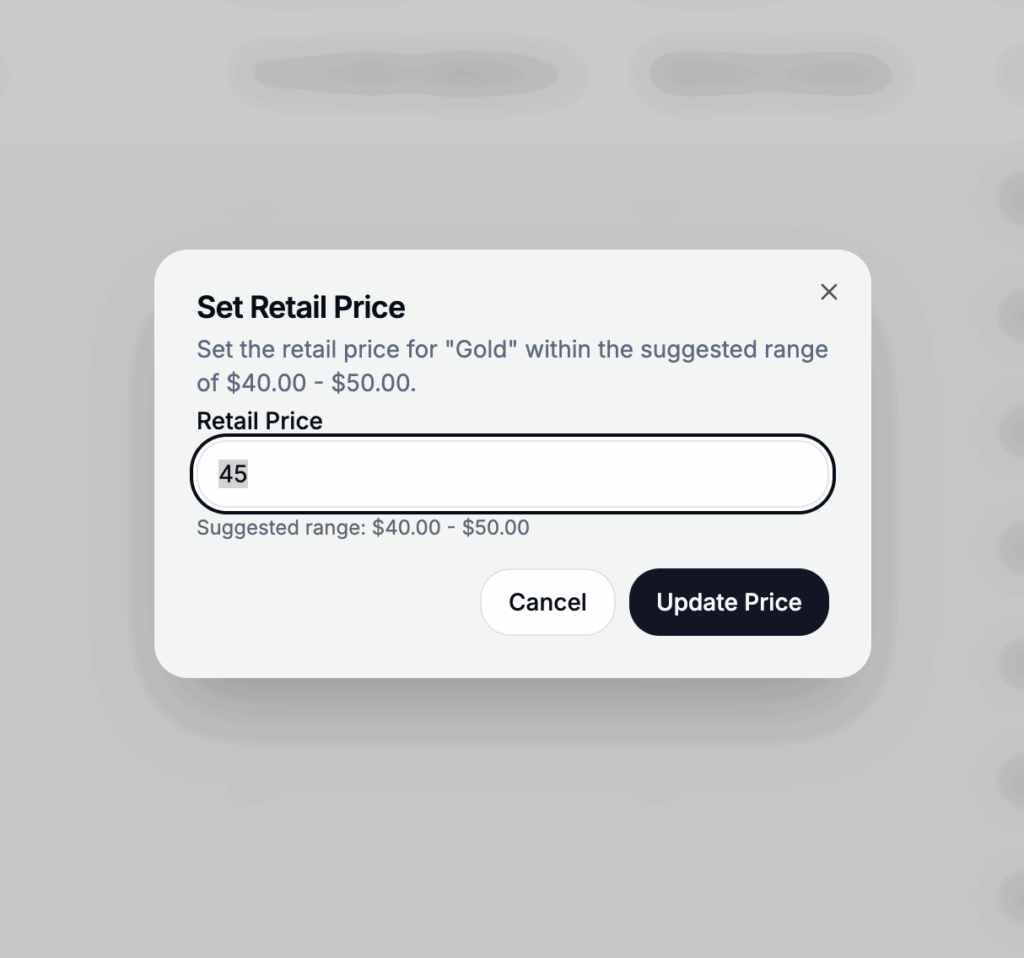
At a fundraising group and if supported by the fundraising company you are working with, you may have the option to adjust your retail price. By default, the minimum price...
Create a Fundraiser
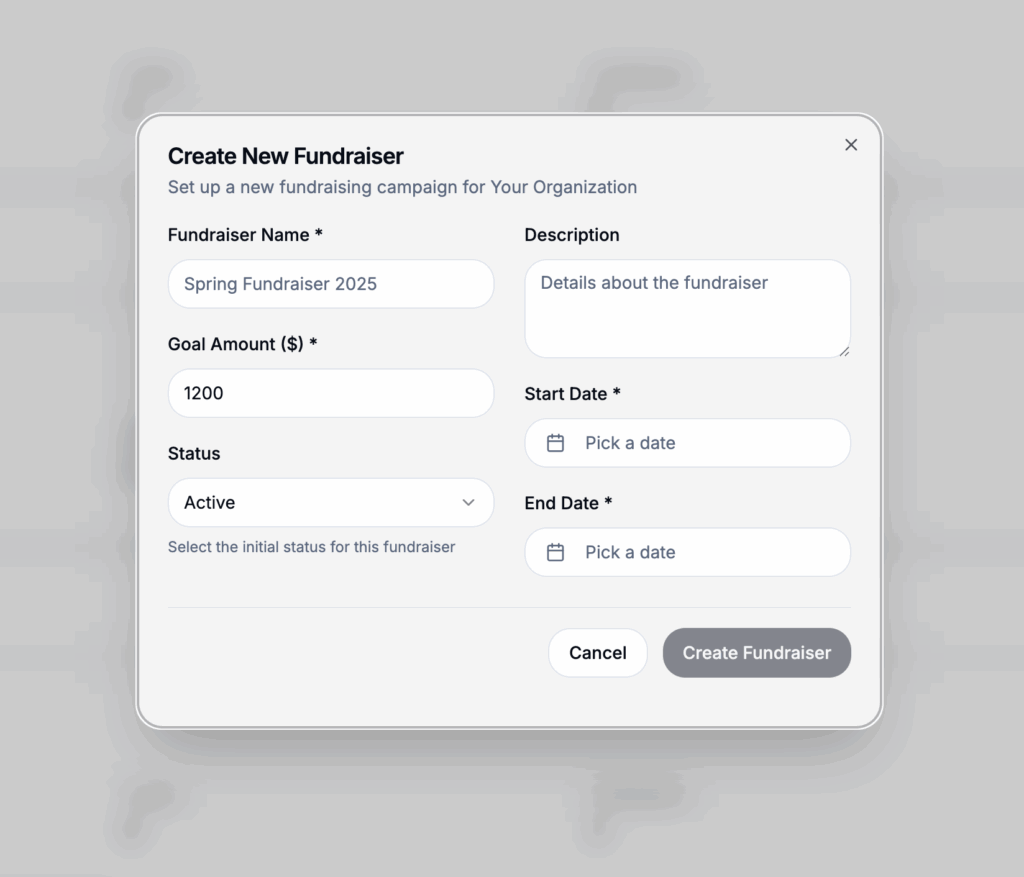
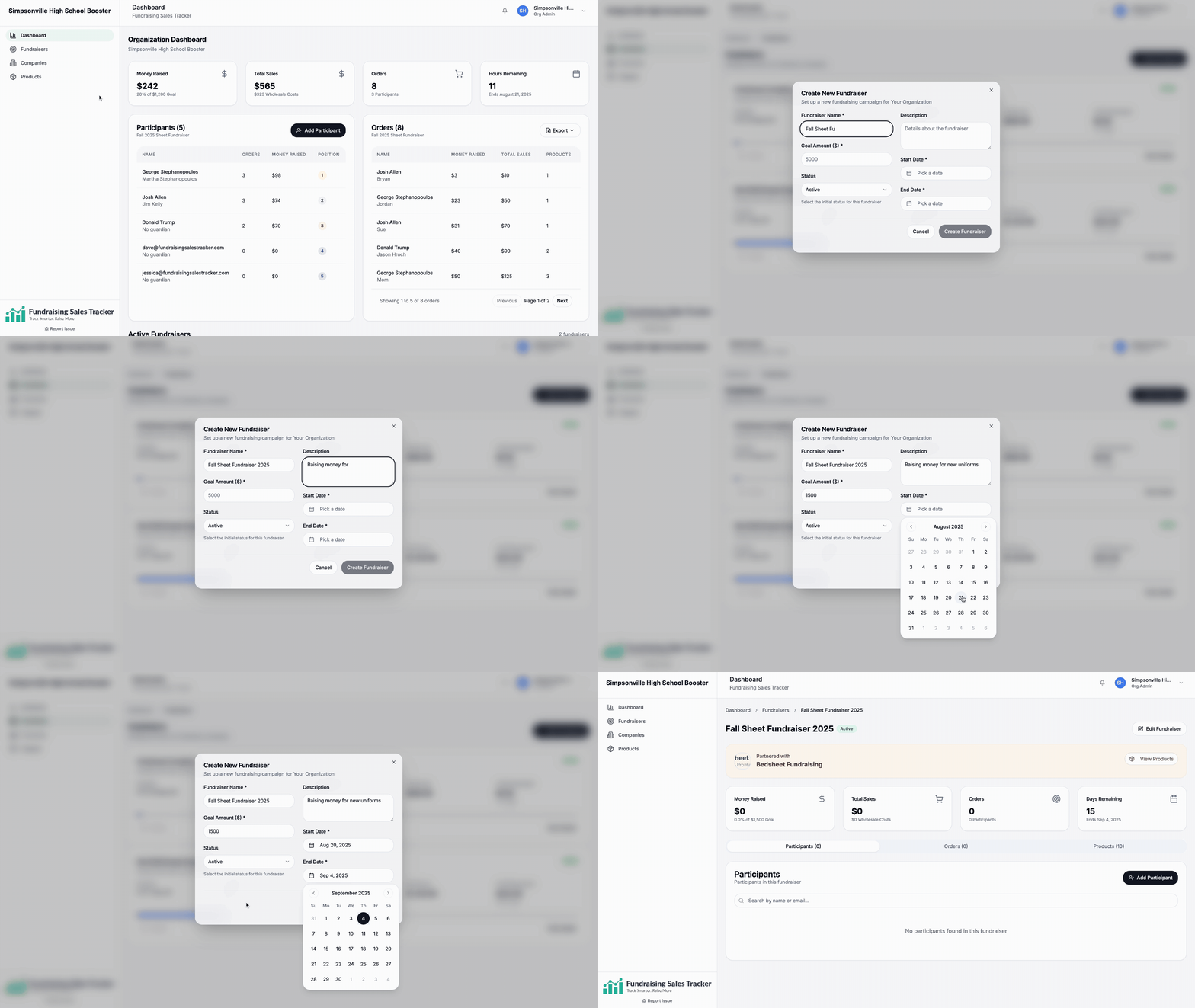
After signing in and creating your organization profile, the next step is to create a fundraiser. Go to Fundraisers > + New Fundraiser Please note these can be change at...
Activating your account
Step 1: Check your email and accept your invitation from the fundraising company you are working with. Step 2: Complete your profile. This is important not only for the company...
Lightbox