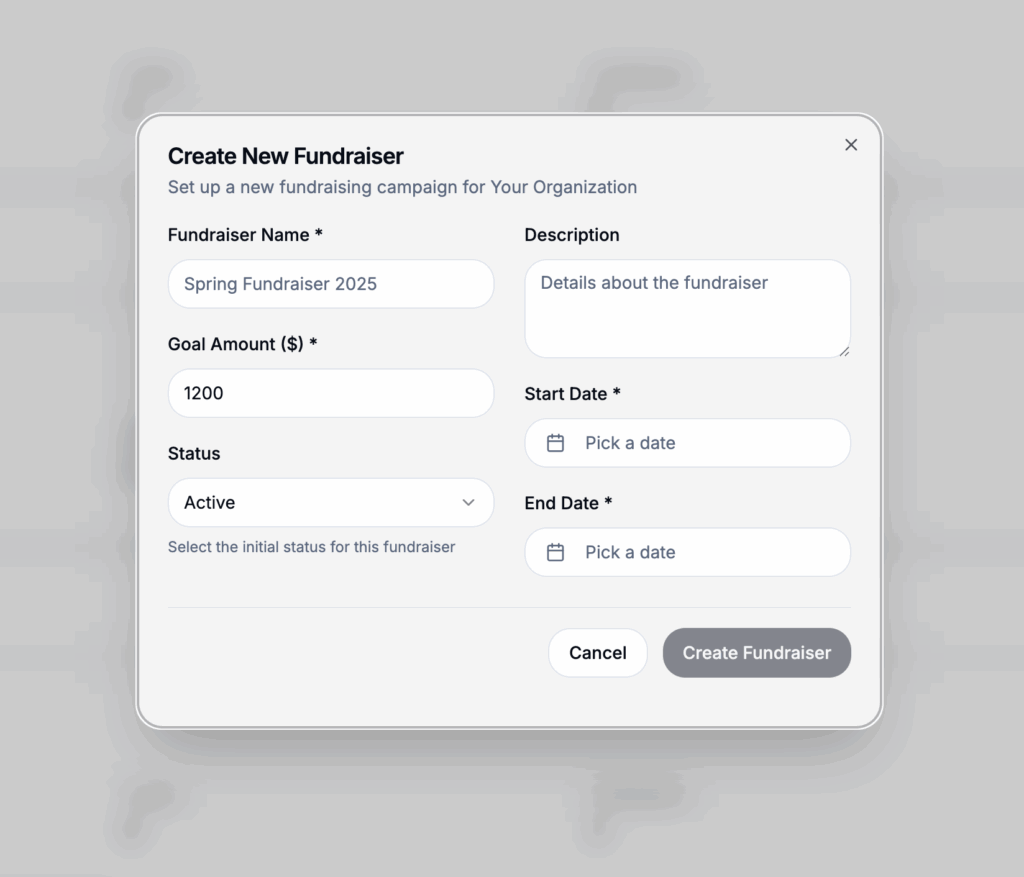
When creating a fundraiser, you can choose how payments can be made and collected.
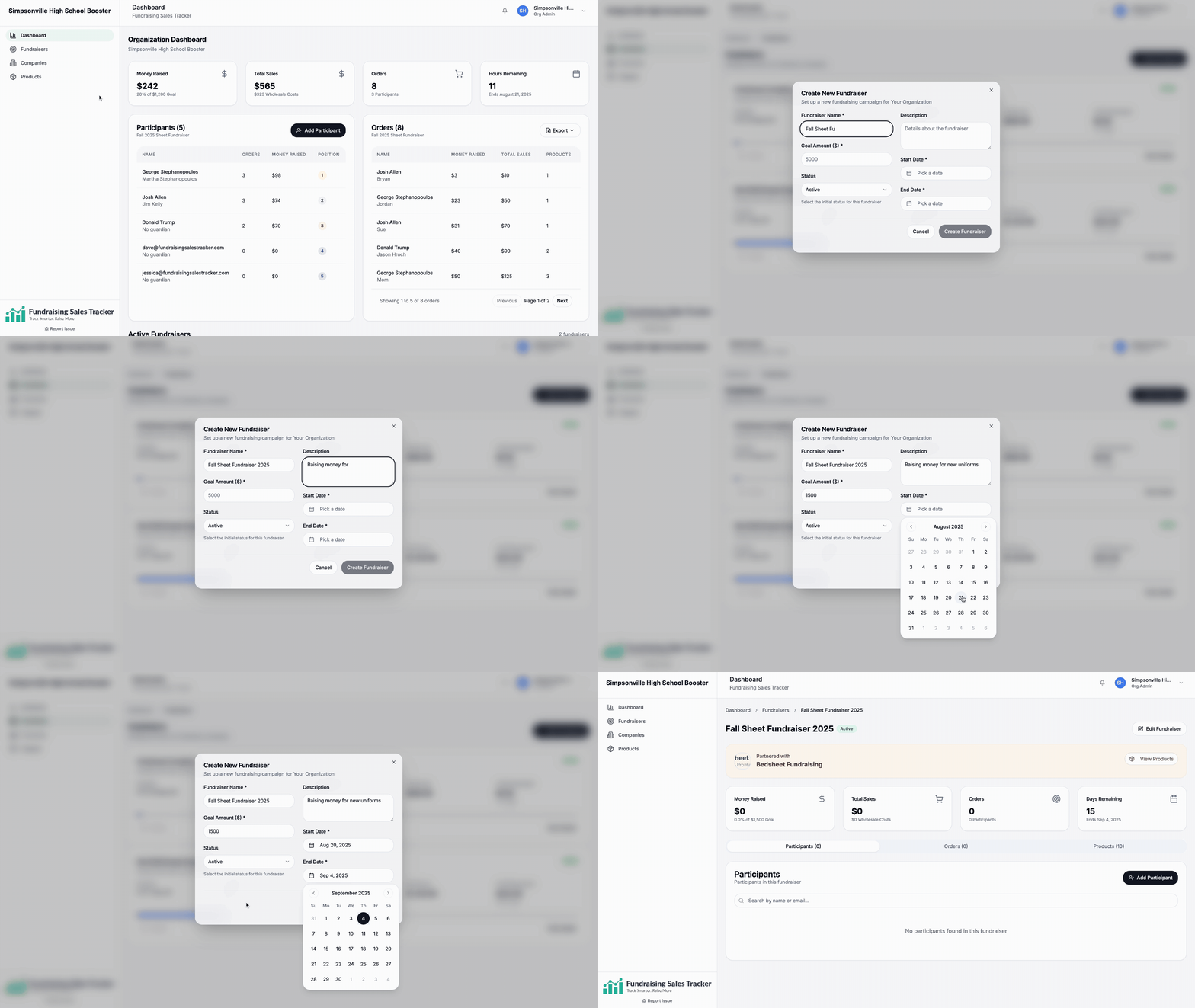
Go to https://app.fundraisingsalestracker.com/fundraisers and create or edit your fundraiser for this setting
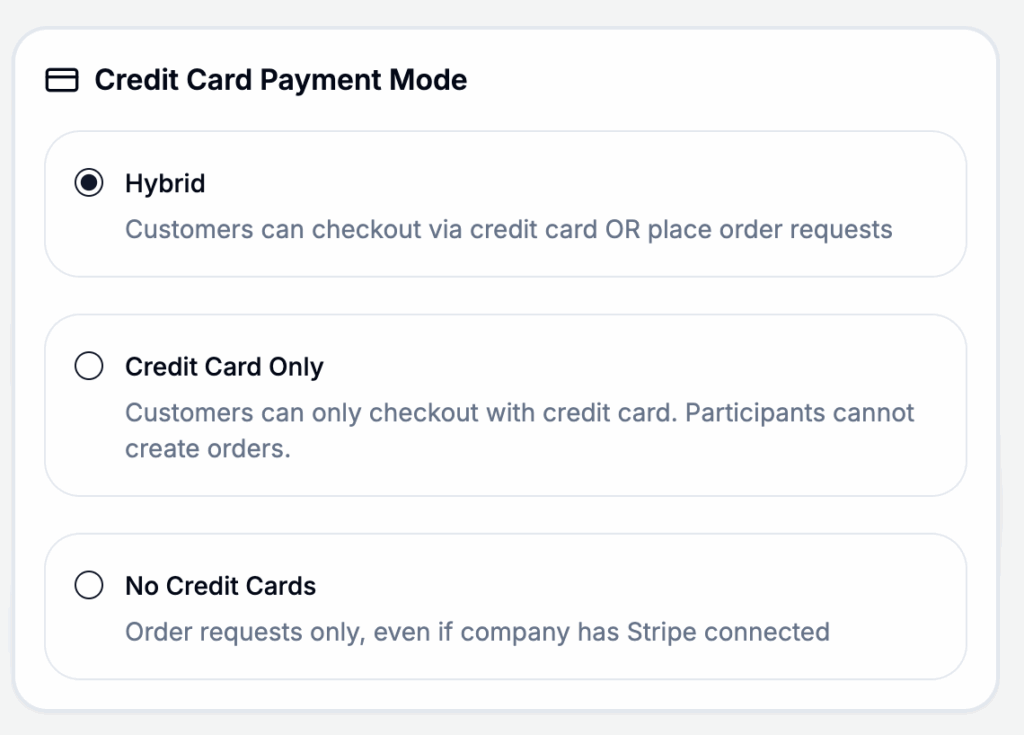
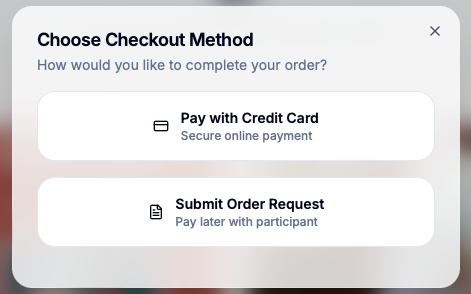
Hybrid: Allow customers to checkout and pay directly on your storefront or by paying directly to the participant or seller.
Credit Card Only: Customers can only checkout with a credit card within the storefront shared by the participant.
No Credit Cards: All order payments must be collected by the participant or seller. All orders must be approved and payment collection verified.
These options allow our platform to be used by any school or group regardless of any internal requirements.
This is what a customer will see if your fundraiser is setup in hybrid payment mode.