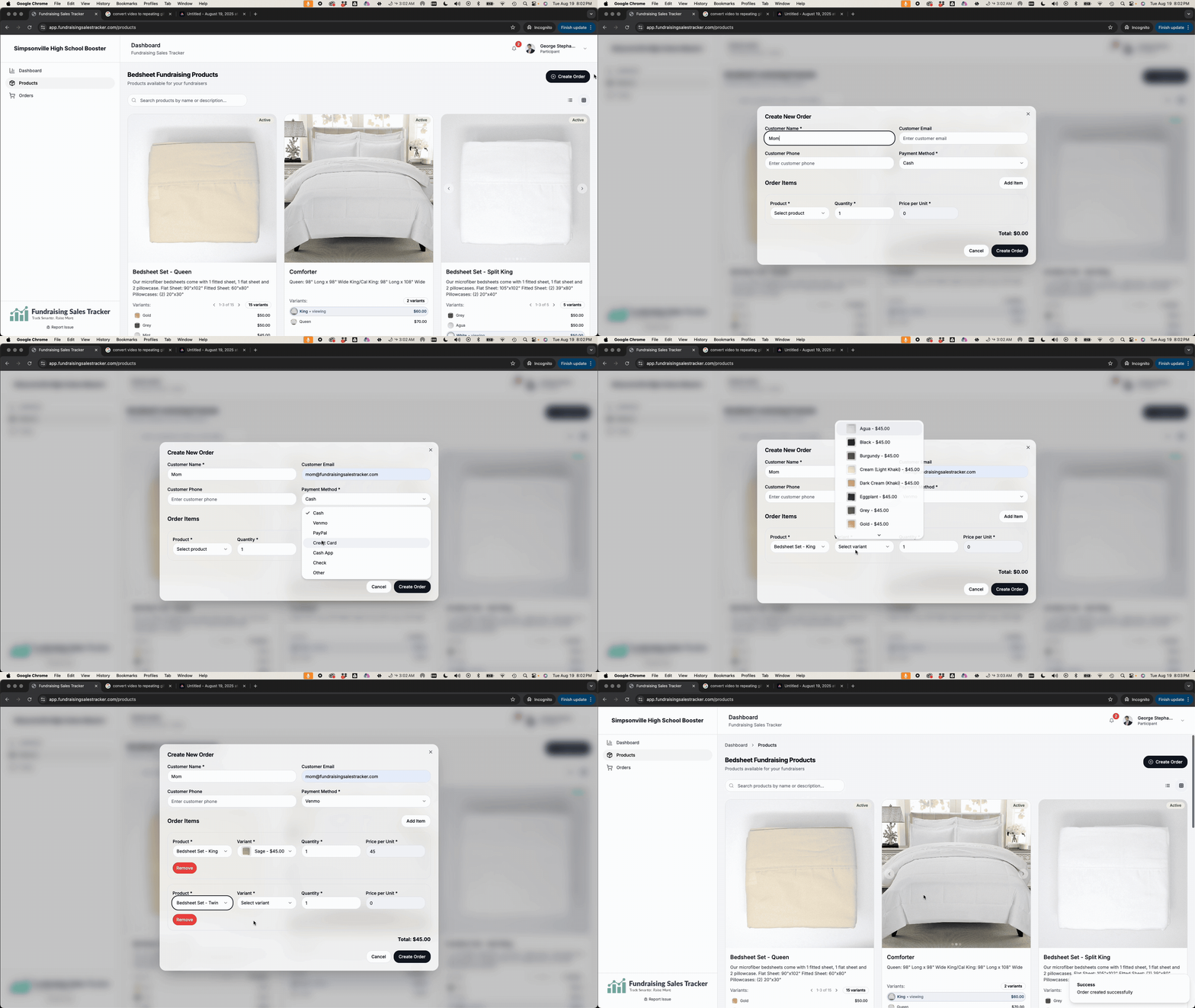
Create an order

Create an order

After your customer has reviewed your product offerings and they know what they want, click “Create an Order” and fill in the required information and secure payment from your customer.

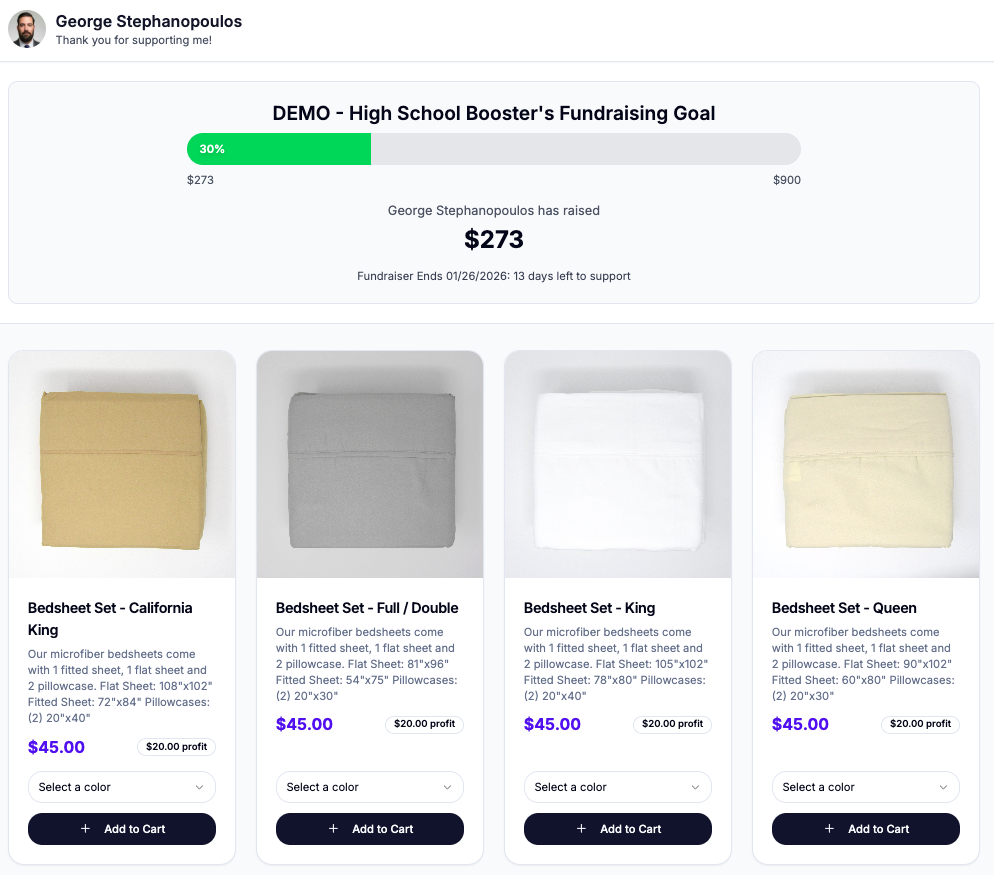
Alternative, you send customers to your store front by sharing your affiliate link: https://www.fundraisingsalestracker.com/help-center/customer-storefront/
Was this helpful?

Thank you for your feedback
Order Requests
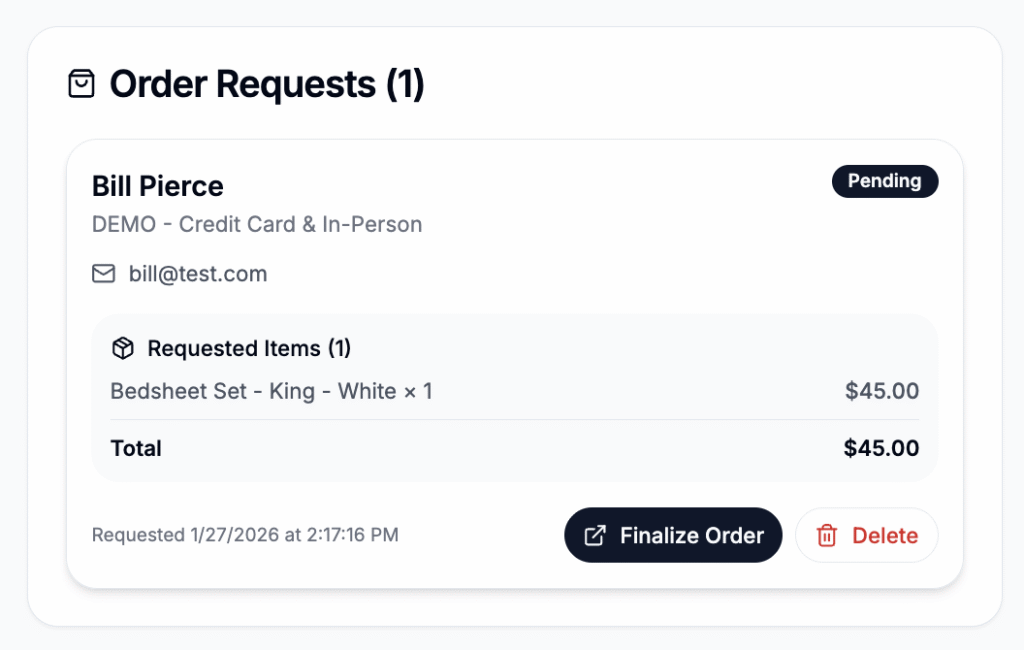
Order requests are unpaid orders submitted by a customer using the the public store front. Order request show up in a participants dashboard and must be finalized and payment collected...
Customer Storefront
All fundraising participants or sellers will have a custom share or referral link to share with potential customers. Any purchase or order request will be accredited to that specific participant...
Lightbox