Create a Fundraiser

Create a Fundraiser

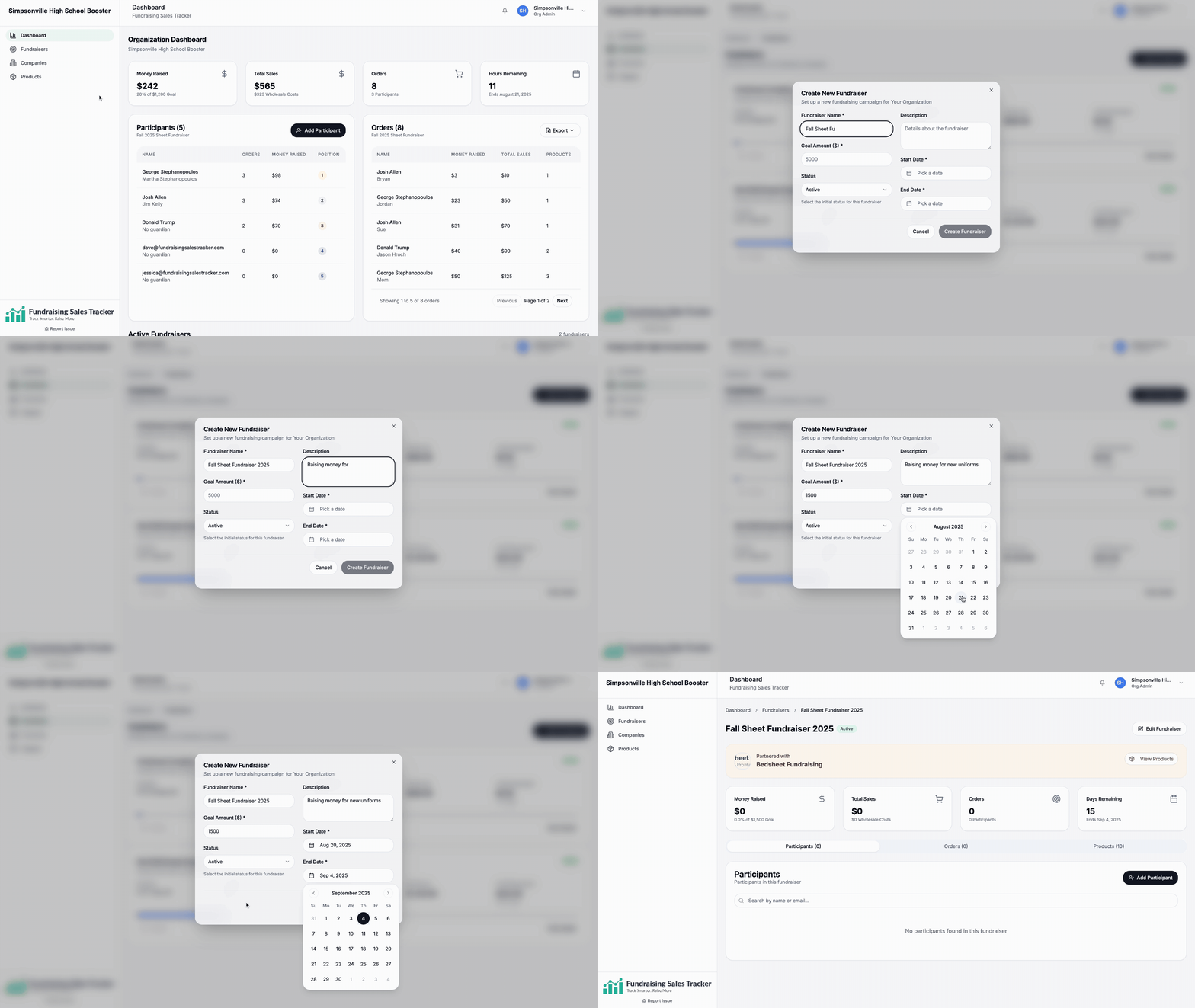
After signing in and creating your organization profile, the next step is to create a fundraiser.

Go to Fundraisers > + New Fundraiser

  • Give it name and description
  • Add a financial goal
  • Set the start and end dates.

Please note these can be change at anytime during the fundraiser if need be.
When creating a fundraiser, you can choose how payments can be made and collected.
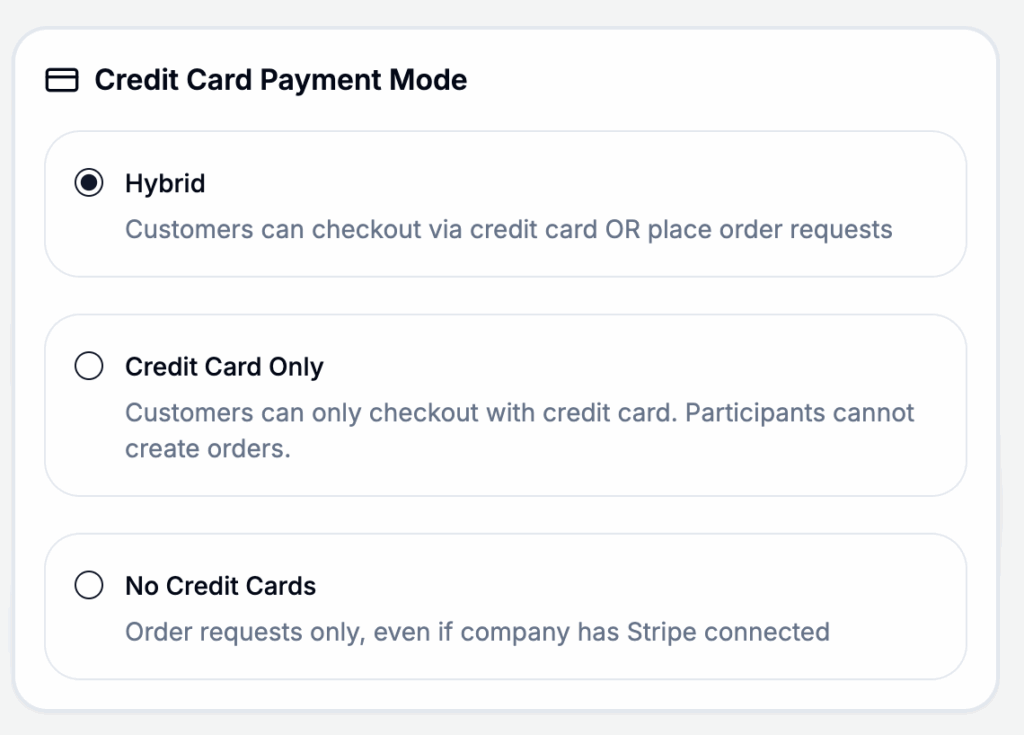
Fundraiser Setup Options

Hybrid: Allow customers to checkout and pay directly on your storefront or by paying directly to the participant or seller.

Credit Card Only: Customers can only checkout with a credit card within the storefront shared by the participant.

No Credit Cards: All order payments must be collected by the participant or seller. All orders must be approved and payment collection verified.

These options allow our platform to be used by any school or group regardless of any internal requirements.

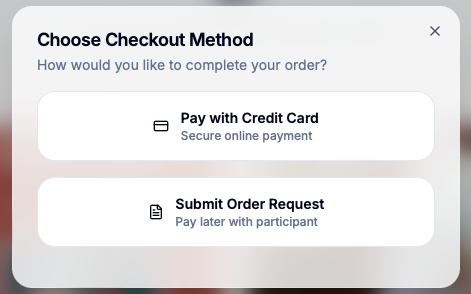
This is what a customer will see if your fundraiser is setup in hybrid payment mode.
Was this helpful?

Thank you for your feedback
Exporting Fundraising Data
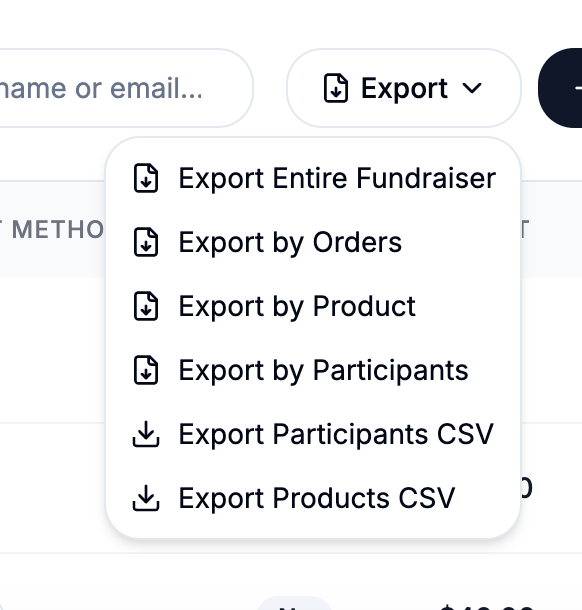
For exporting fundraising reports and individual participant records to go your fundraiser and click on the Order tab and then export There are 6 export options. The most common option...
Fundraiser Payment Mode
When creating a fundraiser, you can choose how payments can be made and collected.Go to https://app.fundraisingsalestracker.com/fundraisers and create or edit your fundraiser for this setting Hybrid: Allow customers to checkout and...
Invite Participants
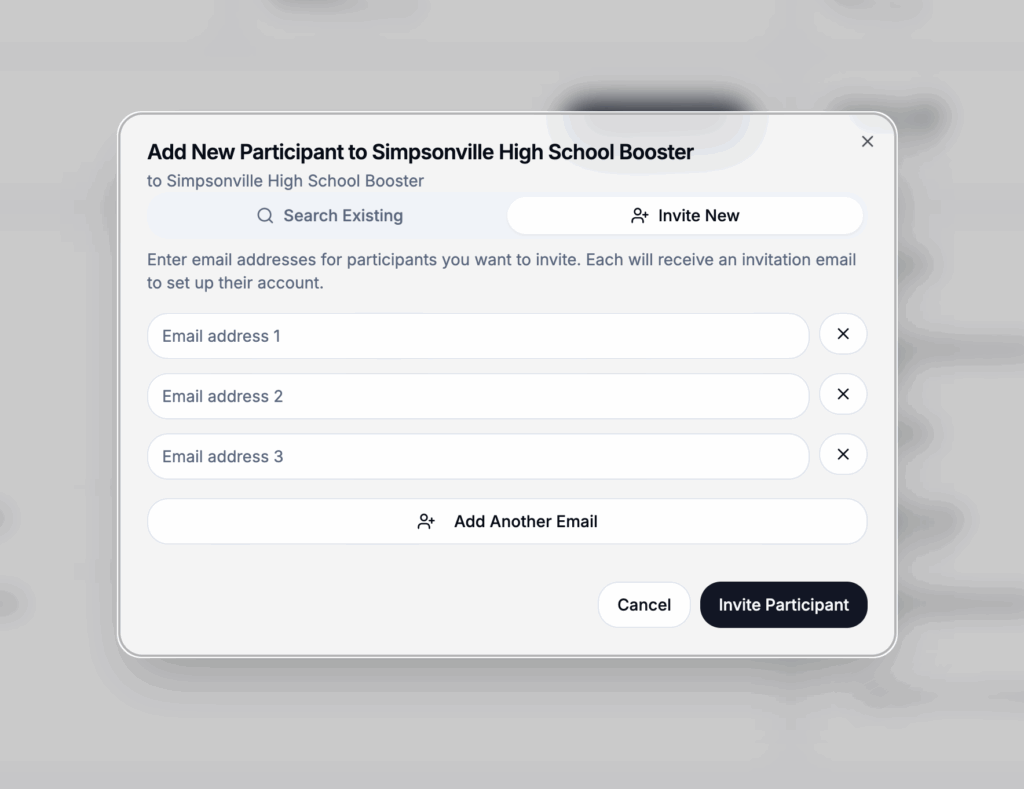
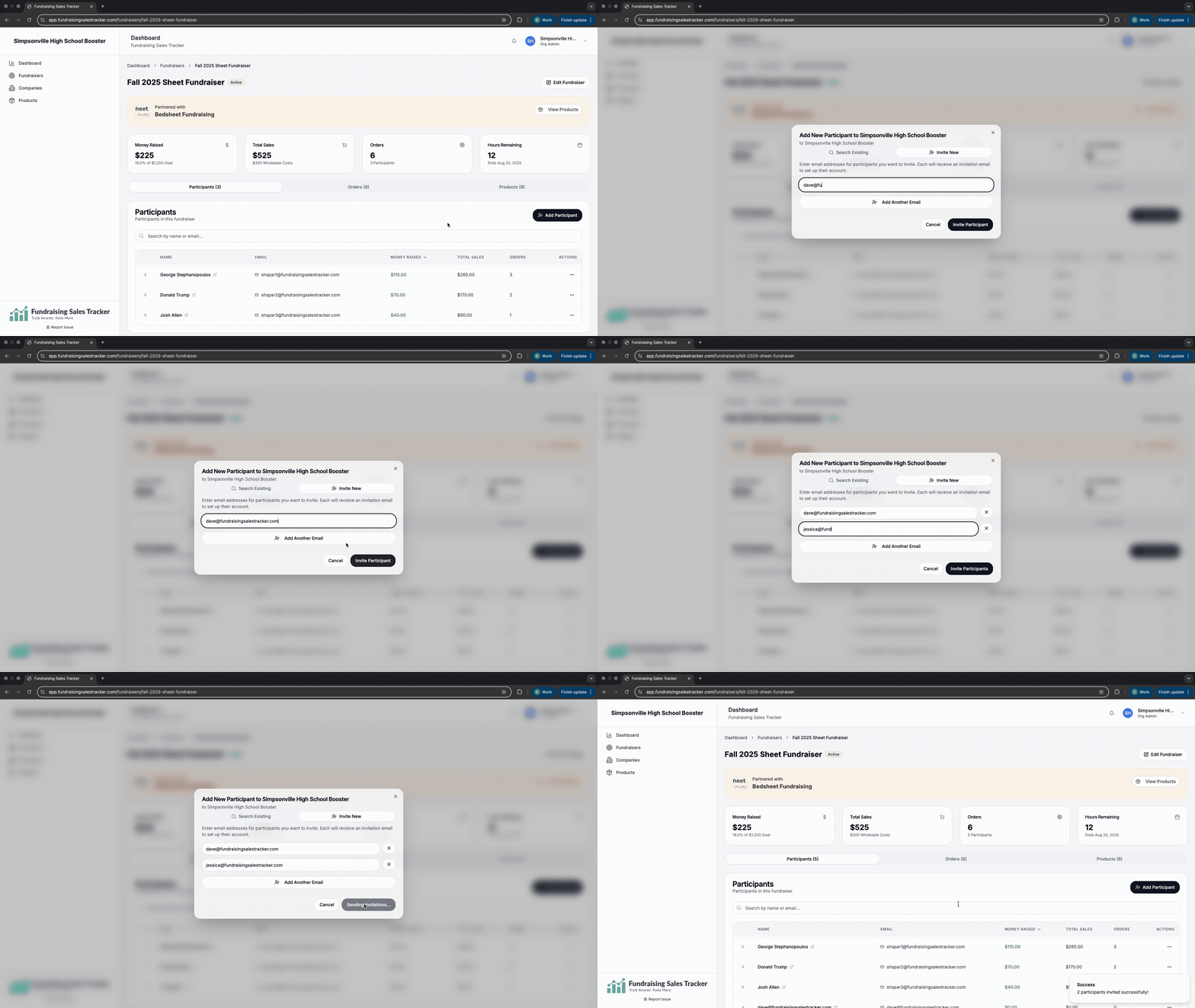
After you have created a fundraising campaign and set your parameters, you need to invite everyone who will be participating in selling. Only participants can record or create orders. Look...
Set or update retail price of products
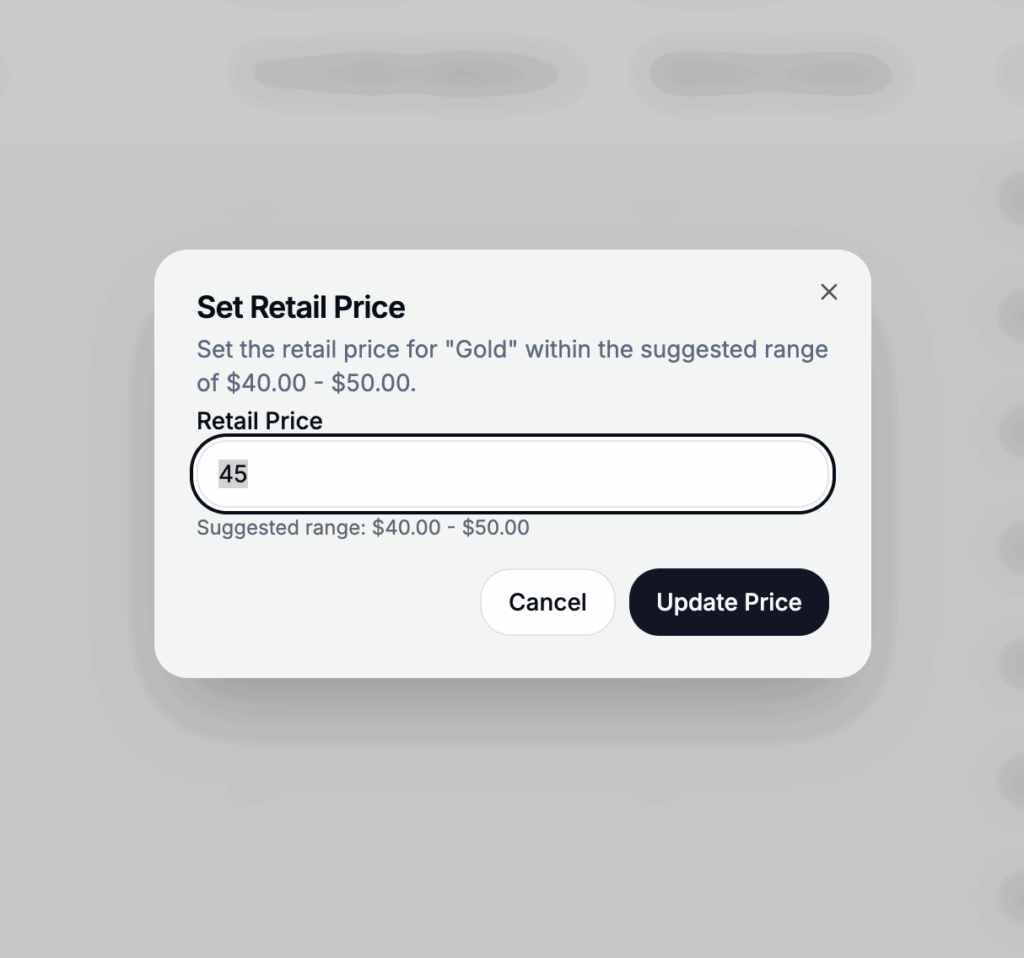
At a fundraising group and if supported by the fundraising company you are working with, you may have the option to adjust your retail price. By default, the minimum price...
Activating your account
Step 1: Check your email and accept your invitation from the fundraising company you are working with. Step 2: Complete your profile. This is important not only for the company...
Lightbox