Learning Guide 1
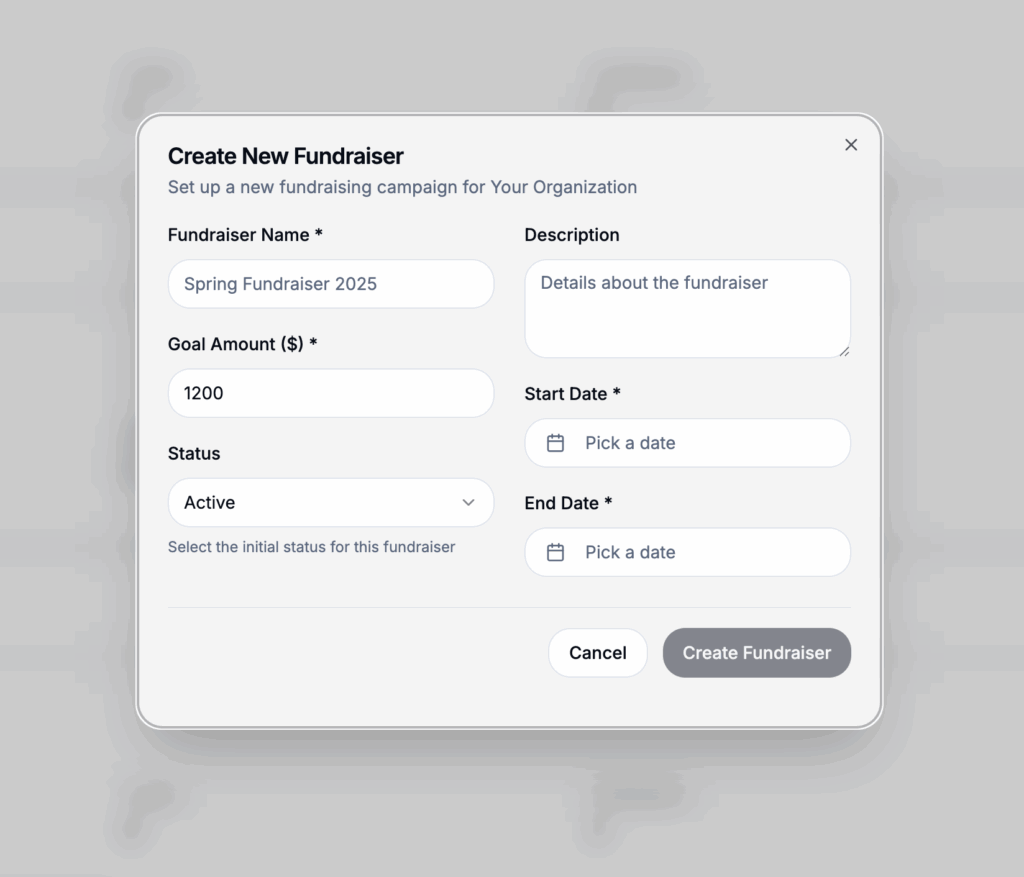
Create a Fundraiser
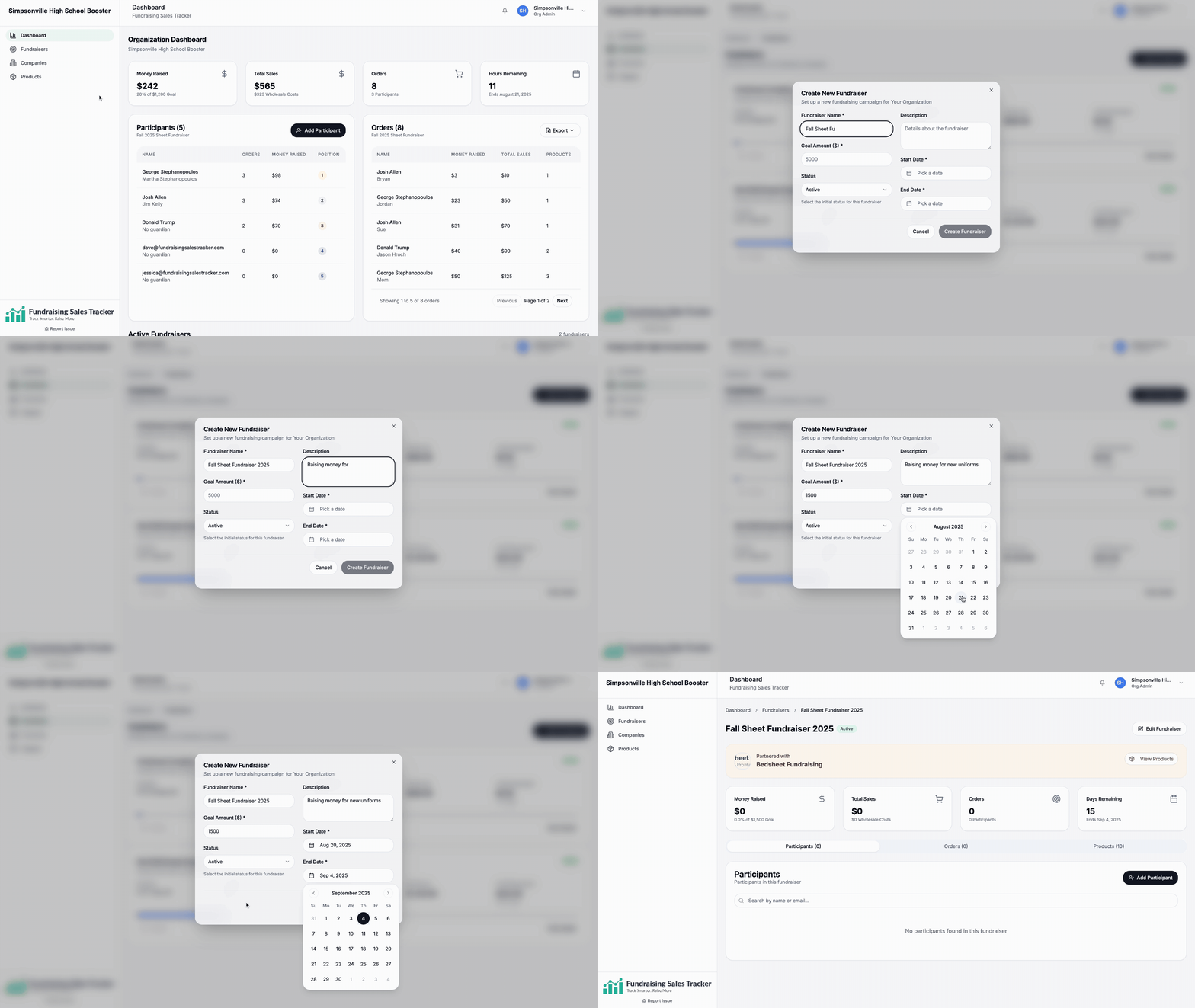
After signing in and creating your organization profile, the next step is to create a fundraiser. Go to Fundraisers > + New Fundraiser Please note these can be change at...
Learning Guide 2
Invite Participants
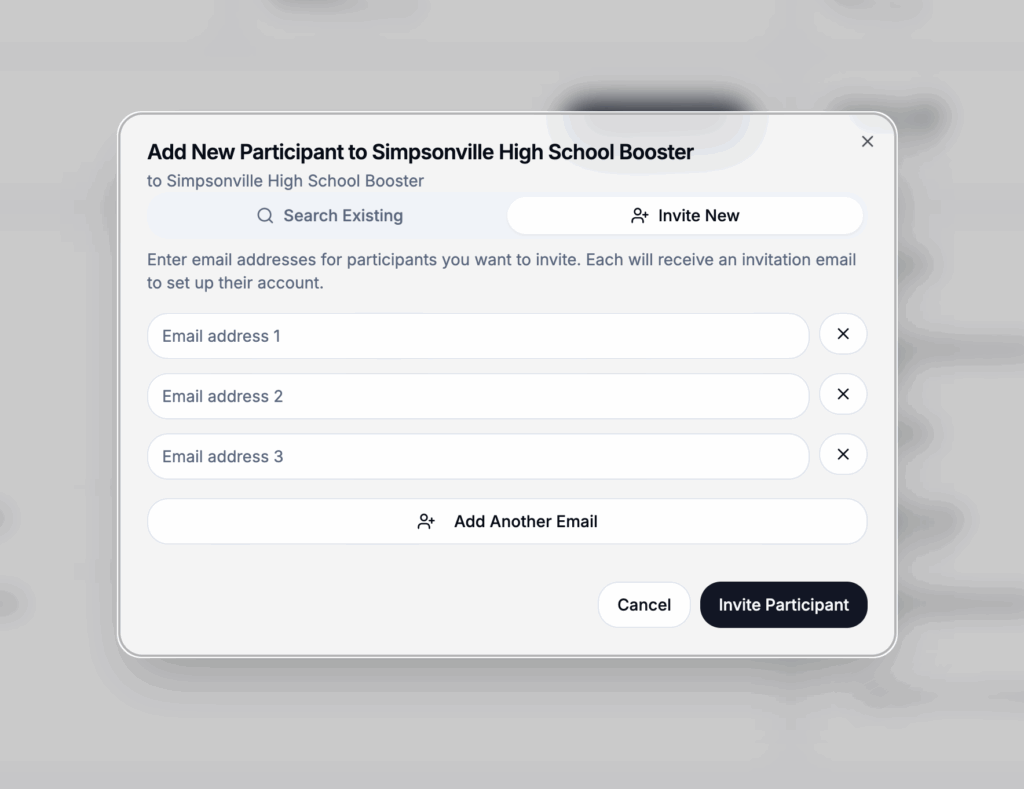
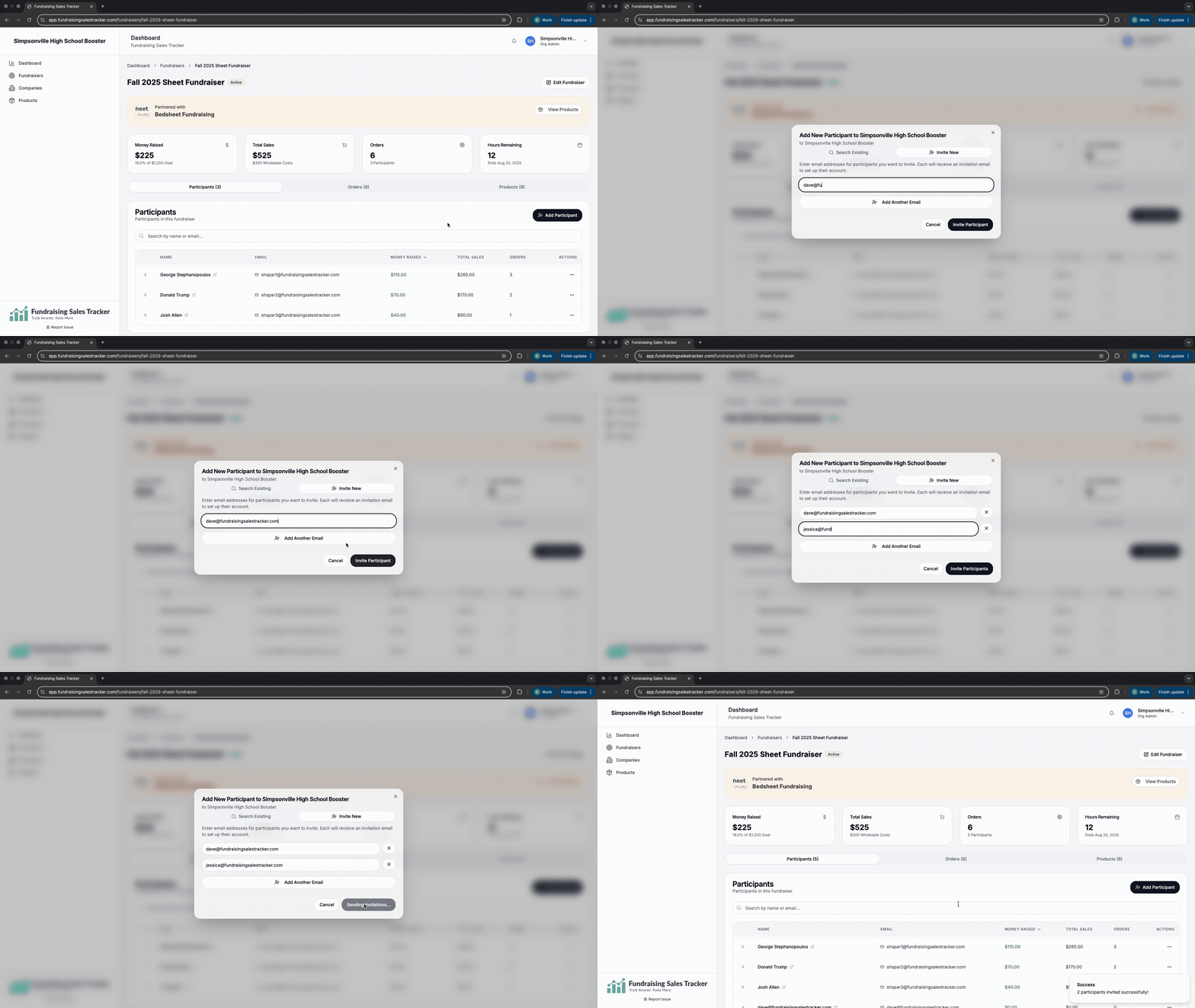
After you have created a fundraising campaign and set your parameters, you need to invite everyone who will be participating in selling. Only participants can record or create orders. Look...

Learning Guide 3
Create an order
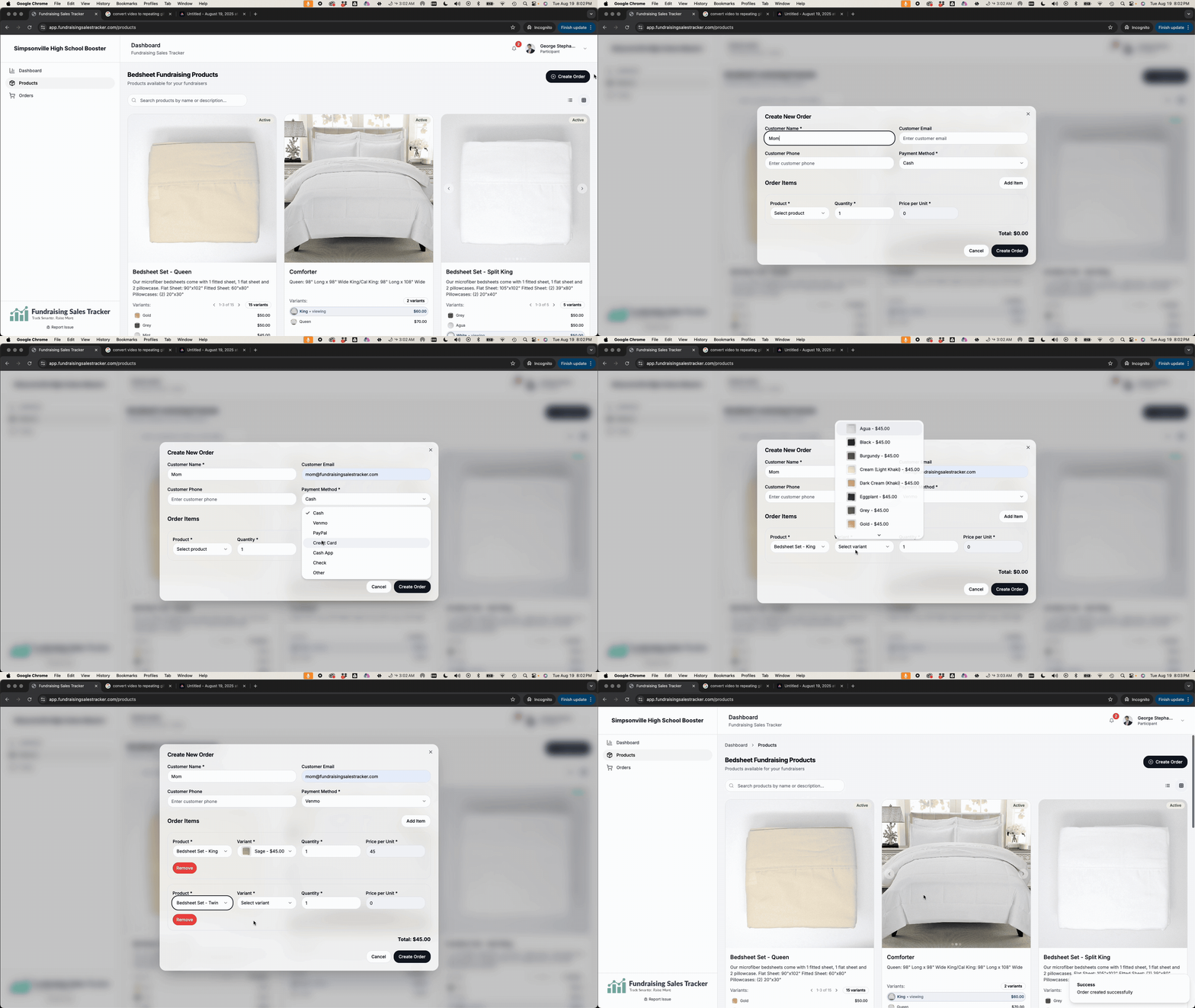
After your customer has reviewed your product offerings and they know what they want, click “Create an Order” and fill in the required information and secure payment from your customer....
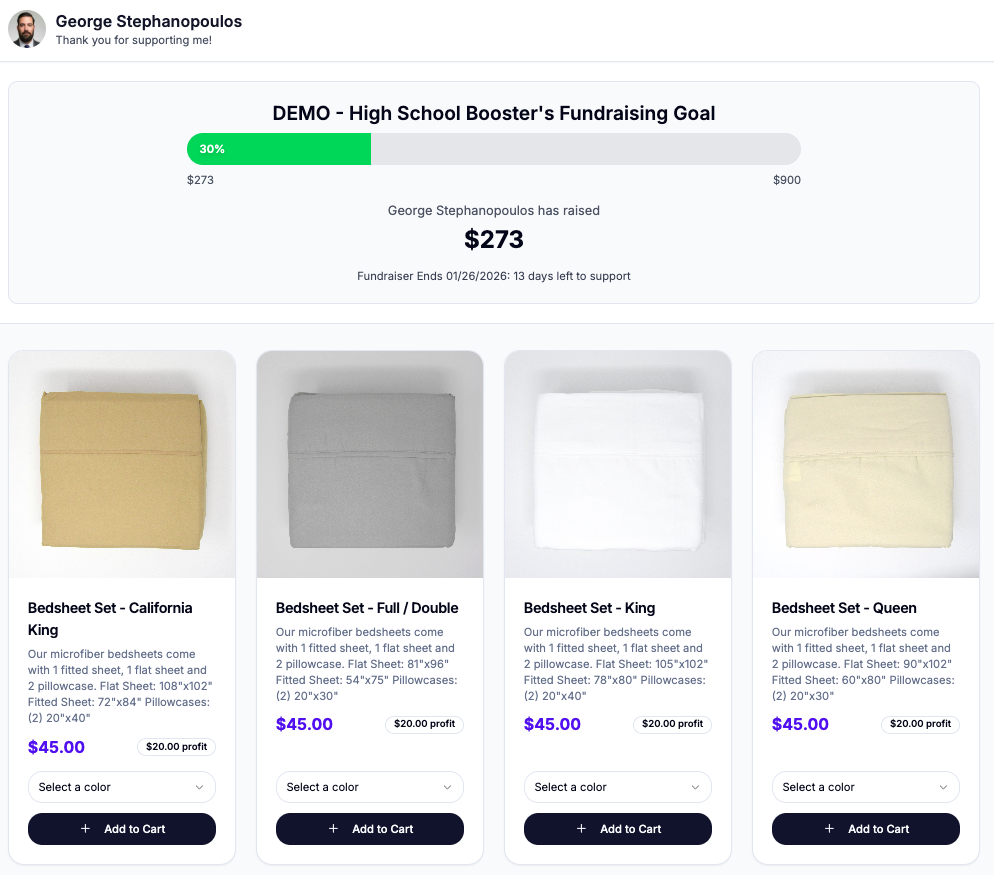
Learning Guide 4
Customer Storefront
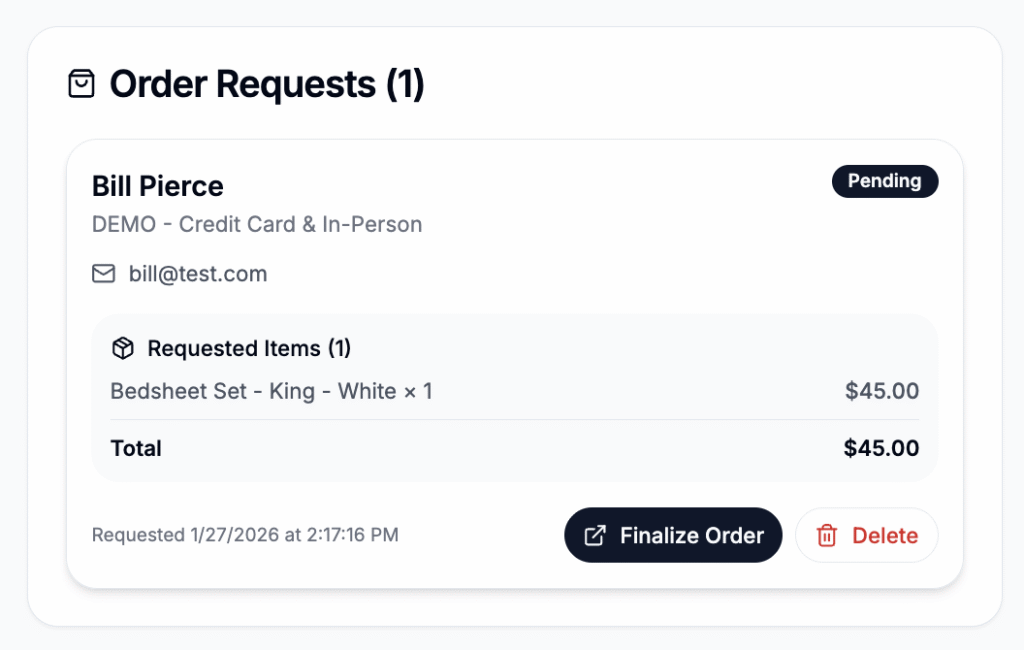
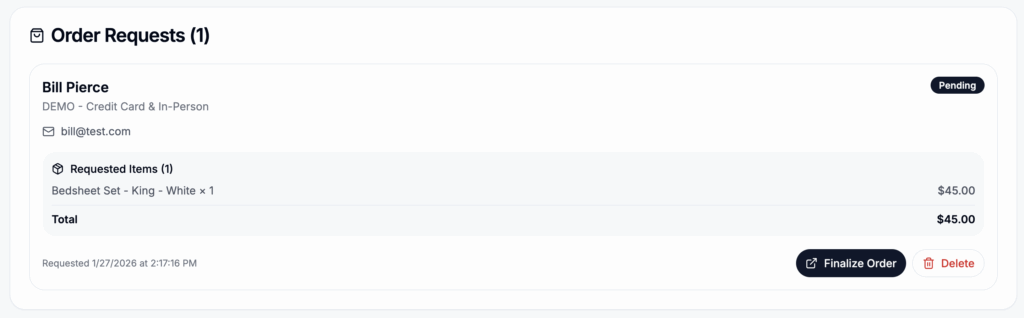
All fundraising participants or sellers will have a custom share or referral link to share with potential customers. Any purchase or order request will be accredited to that specific participant...